Debtica Module
Report workflows and analytics without manual chasing.
Report
Use Report when recurring reports, assigned submissions or organisation-level obligations need a clear submitter-to-receiver workflow and reviewable analytics.
Clear due dates
Submission visibility
Comparable indicators
Module view
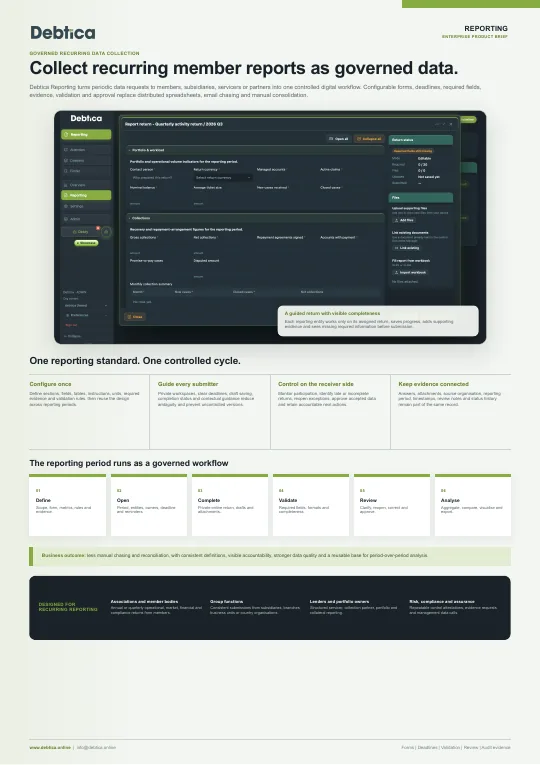
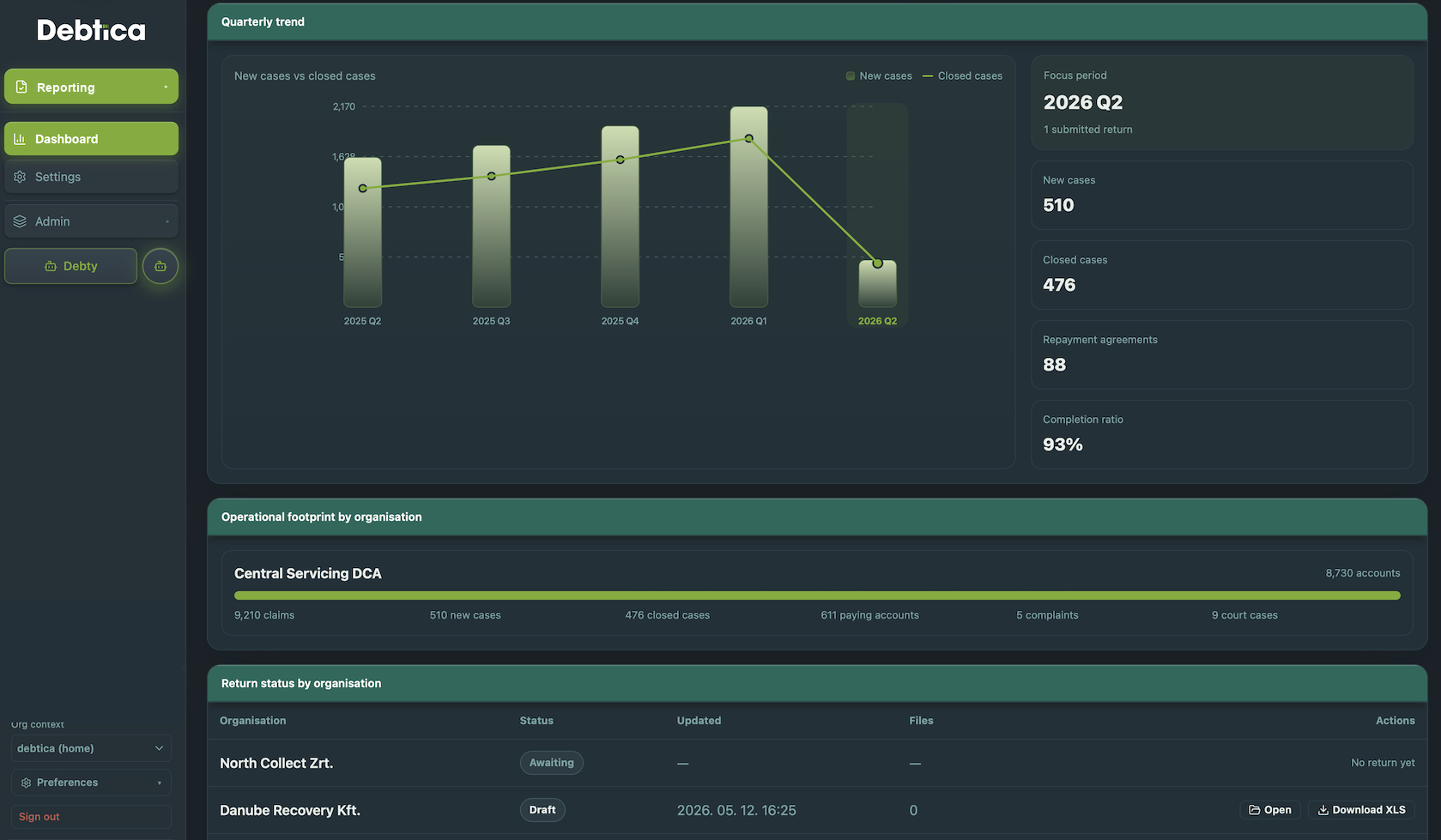
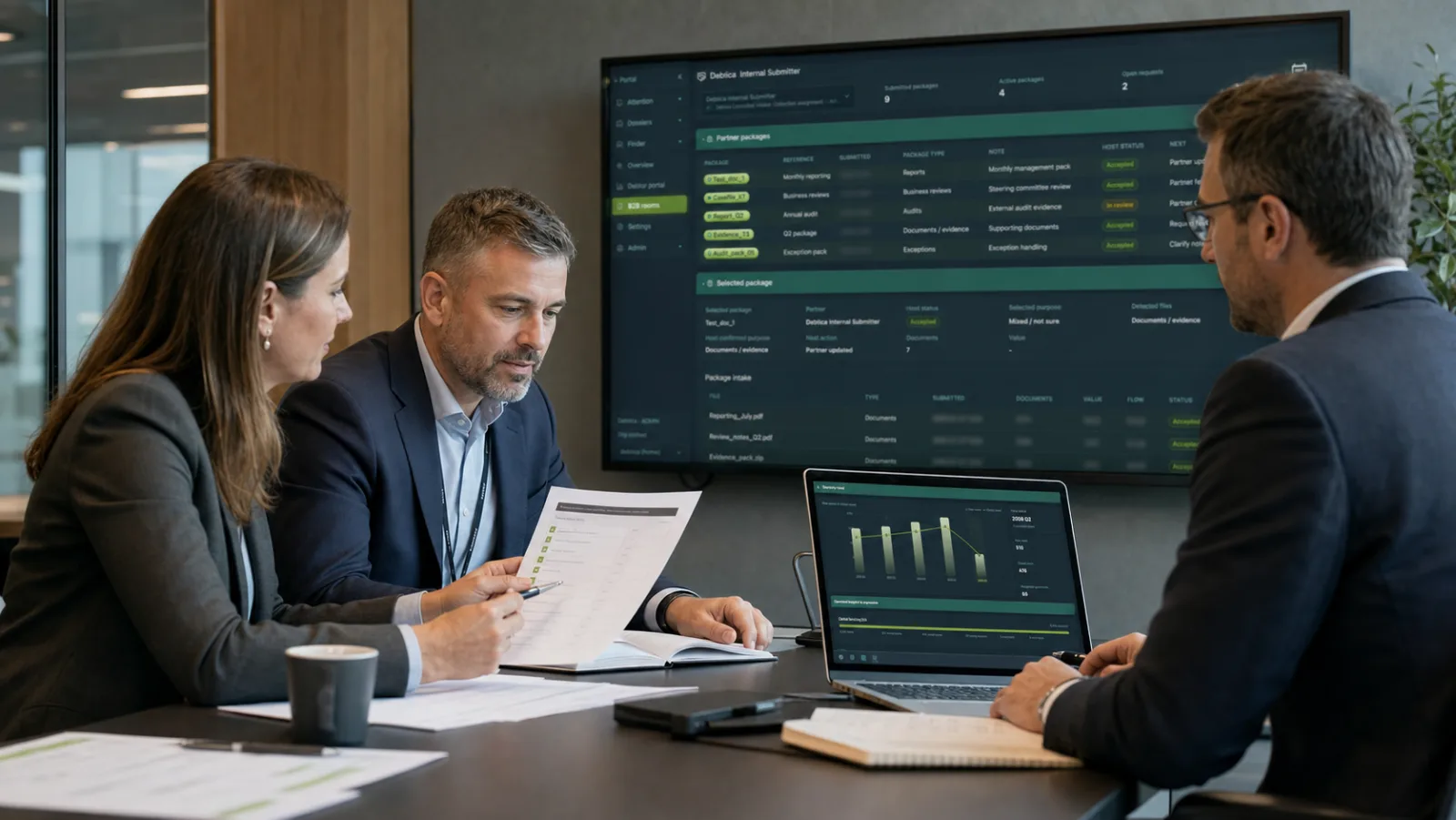
Report keeps recurring reporting periods, forms and organisation submissions under control. Submitters see their open periods and draft status, while receivers can track submissions, reopen items and analyse submitted indicators across organisations.

What it handles
Manage structured reporting flows, recurring obligations, submitter workspaces, receiver review, tracking and analysis in one controlled workspace.
Defined reporting periods, due dates and reusable form structures.
Submitter and receiver views for drafts, submitted returns and reopened items.
Submitted indicator analytics across organisations, periods and operating metrics.
Report Workspace
Report gives receivers and submitters a structured workspace for recurring reports and assigned submissions. Periods, due dates, form versions, submitted returns, reopened items and indicator analysis stay controlled from requirement setup through review.
Report Periods
Form Templates
Submitter Views
Indicator Analysis
Defined cycles, due dates and assigned reporting obligations
Reusable form templates with versioned submission snapshots
Draft, submitted, reviewed and reopened submission workflows
Comparable metrics across organisations, periods and returns
The problem
Recurring reports and assigned returns need clear ownership, stable form definitions, reviewable submissions and comparable indicators. Email chasing and spreadsheet collection make that hard to govern.
Receivers need to see which organisations have open, late, submitted or reopened returns.
Historical submissions must remain understandable even after templates or requirements evolve.
Submitted values should support review, comparison and operational insight across periods.
How it works
Report keeps the receiver and submitter perspectives connected while preserving the evidence of each submission.
Set reporting periods, due dates, form templates and requirement assignments.
Submitters complete their assigned returns with values and supporting attachments.
Returns are submitted with a stable version snapshot of the form and captured values.
Receivers track status, reopen returns when needed and analyse submitted indicators.
Report features
From form setup to indicator analysis, Report replaces manual chasing with a clear, reviewable submitter-to-receiver workflow.
Define reporting cycles, due dates and active obligations for each submitter organisation.
Create reusable forms with structured fields and stable submitted snapshots.
Assign the right reporting obligations to the right organisations.
Give organisations a clear view of drafts, due dates, submitted returns and reopened items.
Track progress, review returns, reopen submissions and monitor completion.
Keep supporting files connected to the submitted return record.
Compare submitted indicators across organisations, forms and periods.
Preserve form versions, submitted values and review actions for governance.
Who it is for
Collect structured returns and track submission status across many organisations.
Prepare assigned returns with clear deadlines, drafts and reopened item handling.
Keep reporting evidence, attachments and review history in one controlled workspace.
Analyse submitted indicators and identify trends across periods.
Operating model
Report can operate as the focused reporting workspace. When combined with Document, Collection or Migration, it can reuse shared evidence, organisation data and audit controls.
Standalone
Use Report to define forms, assign reporting obligations, collect submissions and analyse indicators.
Add Document, Collection or Migration when reporting workflows need attached files, case context or prepared datasets.
Platform context
This module is designed to connect with the other Debtica modules through shared data, permissions and audit history.
Get in touch
Tell us which module is most relevant for you and we will prepare a walkthrough around your real workflow.
Share your details and tick Debtica updates if you want product notes as well.
Email is required. Phone is optional.